Set up CloudWatch alarms and SNS topic in AWS

Day 46 of #90DaysOfDevOps
What is Amazon CloudWatch?
Amazon CloudWatch monitors your Amazon Web Services (AWS) resources and the applications you run on AWS in real-time. You can use CloudWatch to collect and track metrics, which are variables you can measure for your resources and applications.
What is Amazon SNS?
Amazon Simple Notification Service is a notification service provided as part of Amazon Web Services since 2010. It provides a low-cost infrastructure for the mass delivery of messages, predominantly to mobile users.
Tasks
Create a CloudWatch alarm that monitors your billing and sends an email to you when it reaches $2. (You can keep it for your future use)
Delete your billing Alarm that you created now. (Now you also know how to delete as well)
Create a CloudWatch alarm that monitors your billing and sends an email to you when it reaches $2
First, log in to your aws account and search for cloudwatch.
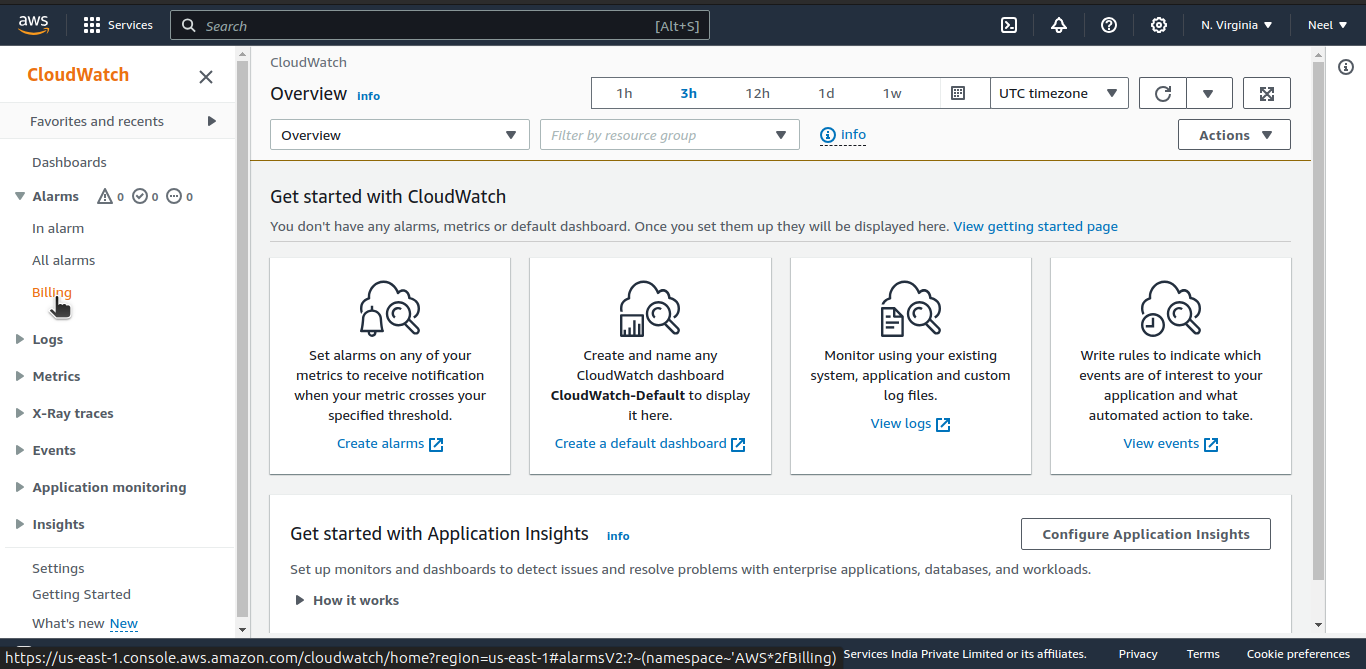
Second, click on "Billings" from the left side panel.
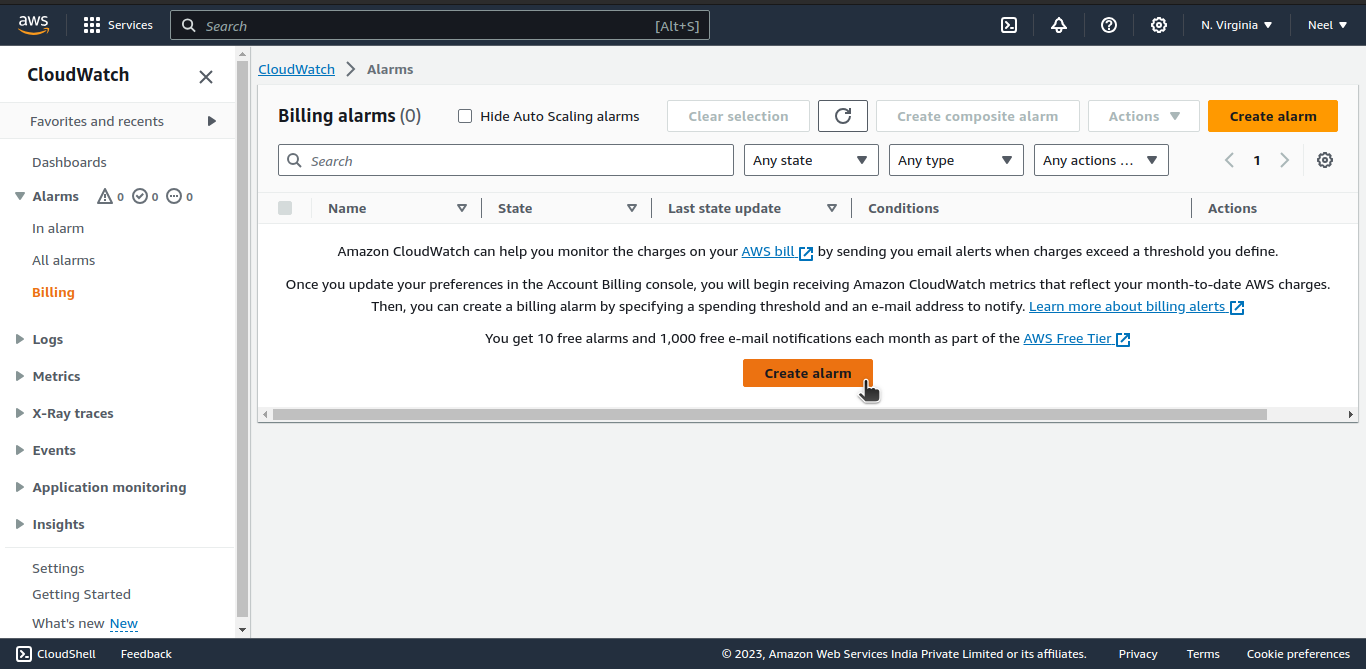
Then, click on "Create alarm".
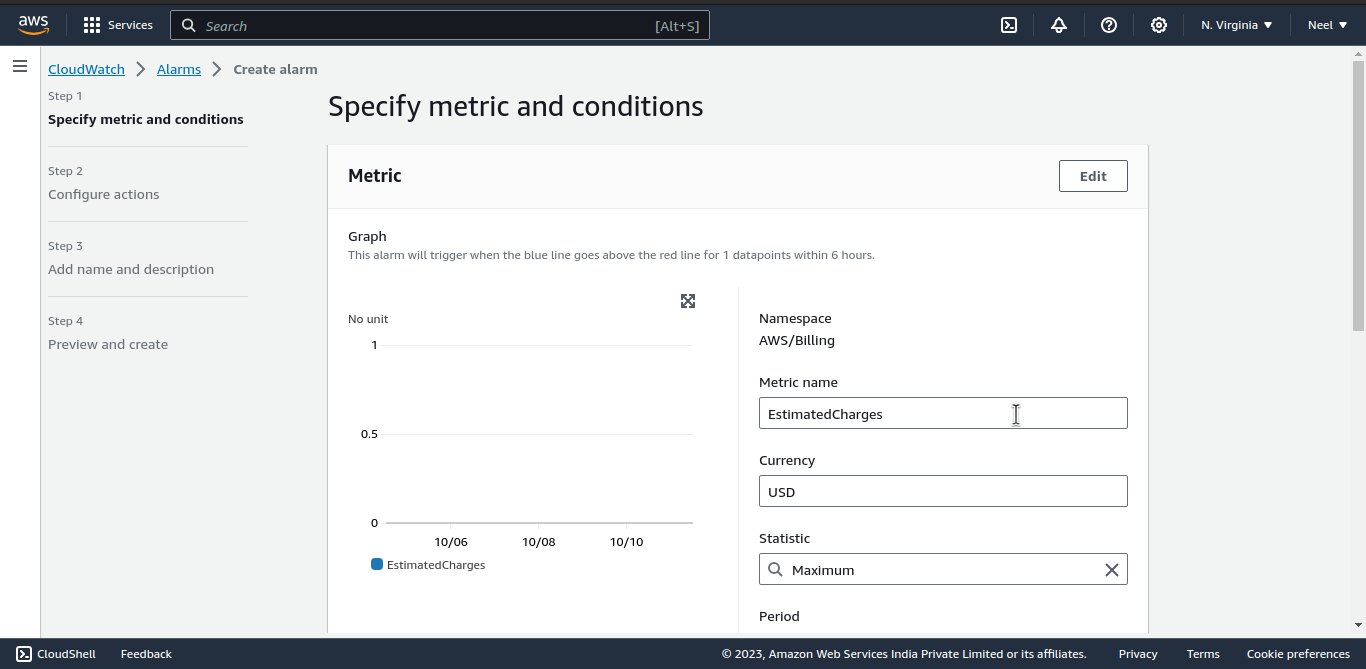
Next, Fill up the "Metric" details.

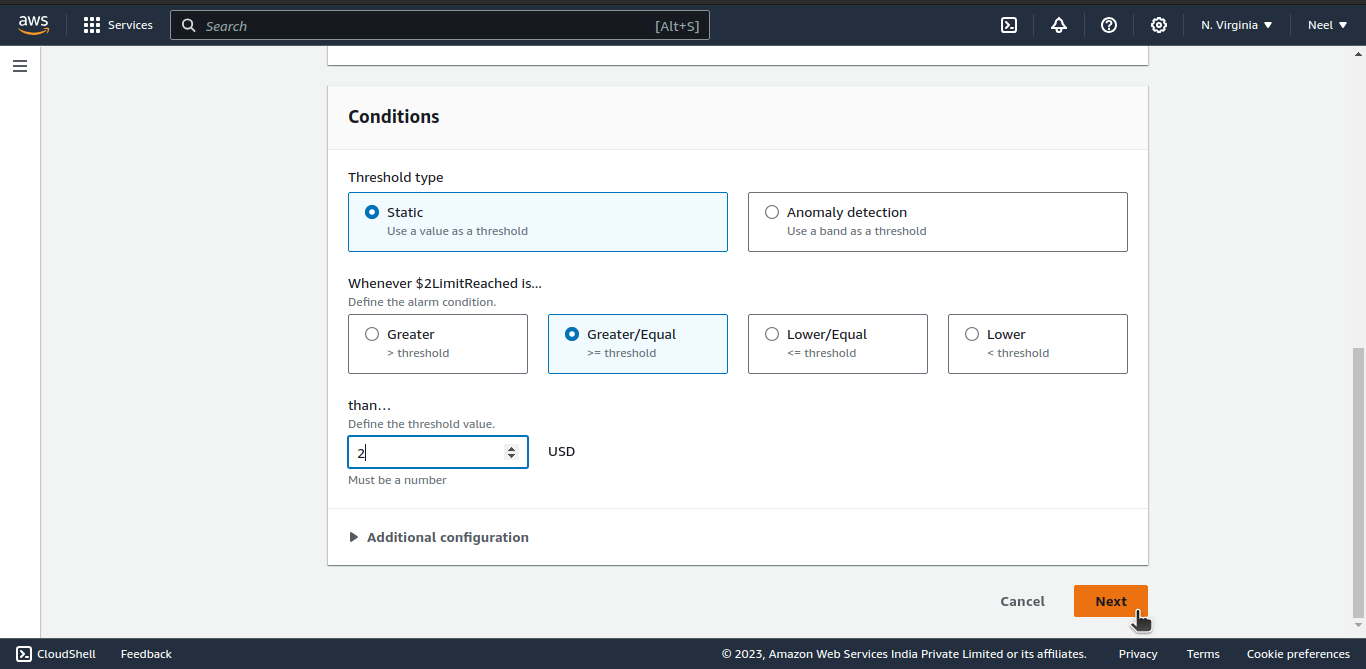
Just below that fill up the details for "Conditions".
Threshold type: Static,
define the alarm condition: Greater or equal,
define the threshold value: 2$.
Click "Next"
Next, in the "Configure actions", configure Notification.
Set alarm state trigger to "In alarm".
Then select "Create new topic".
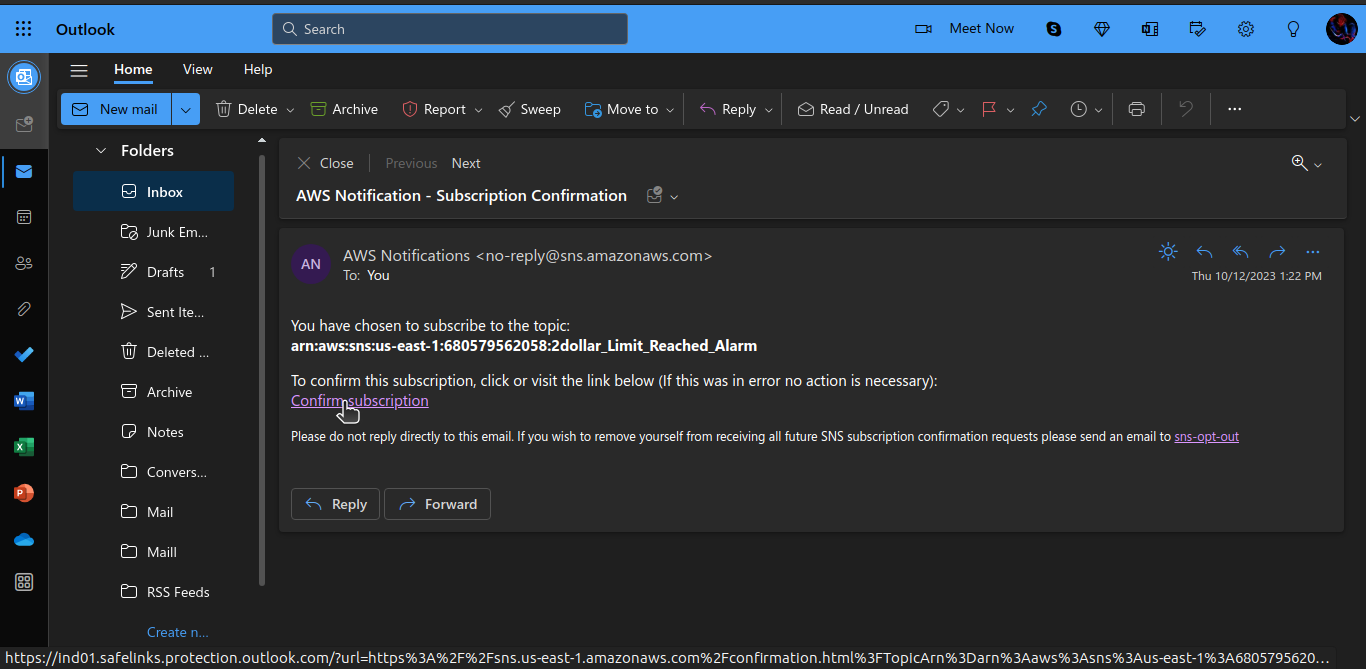
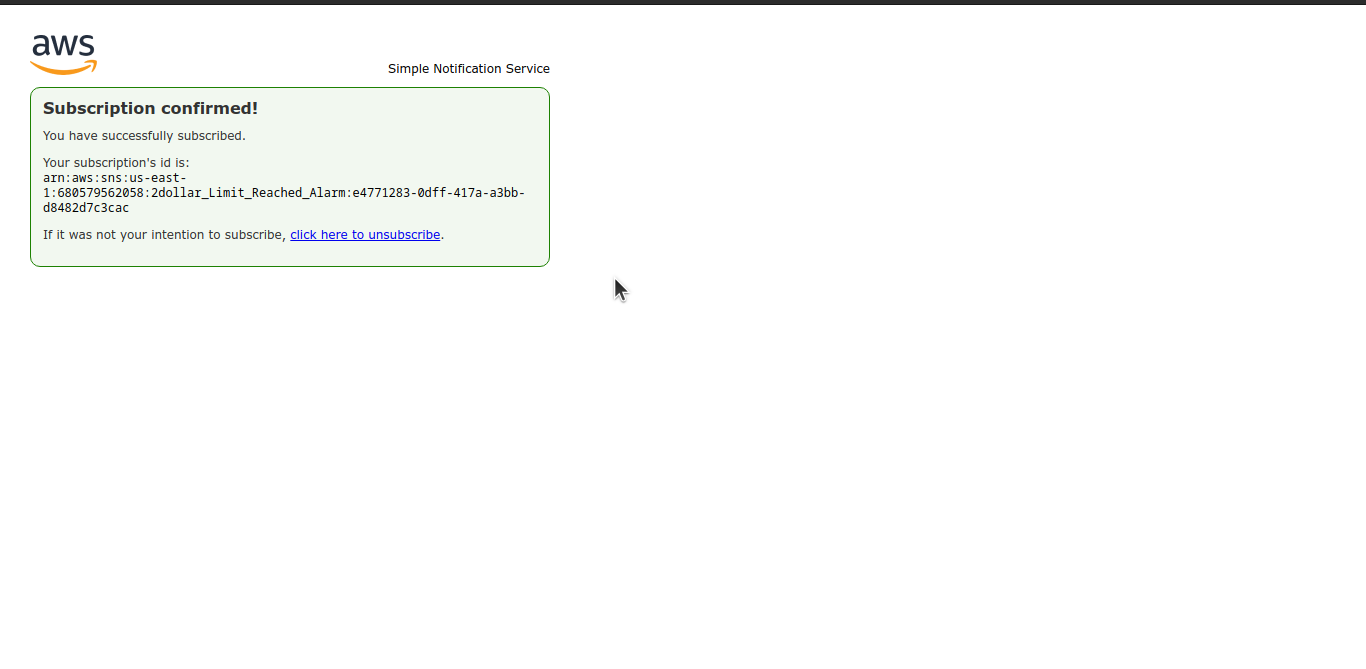
Give a name to your topic, enter your email ID and click on the Create topic. (You will receive an email to confirm the subscription)
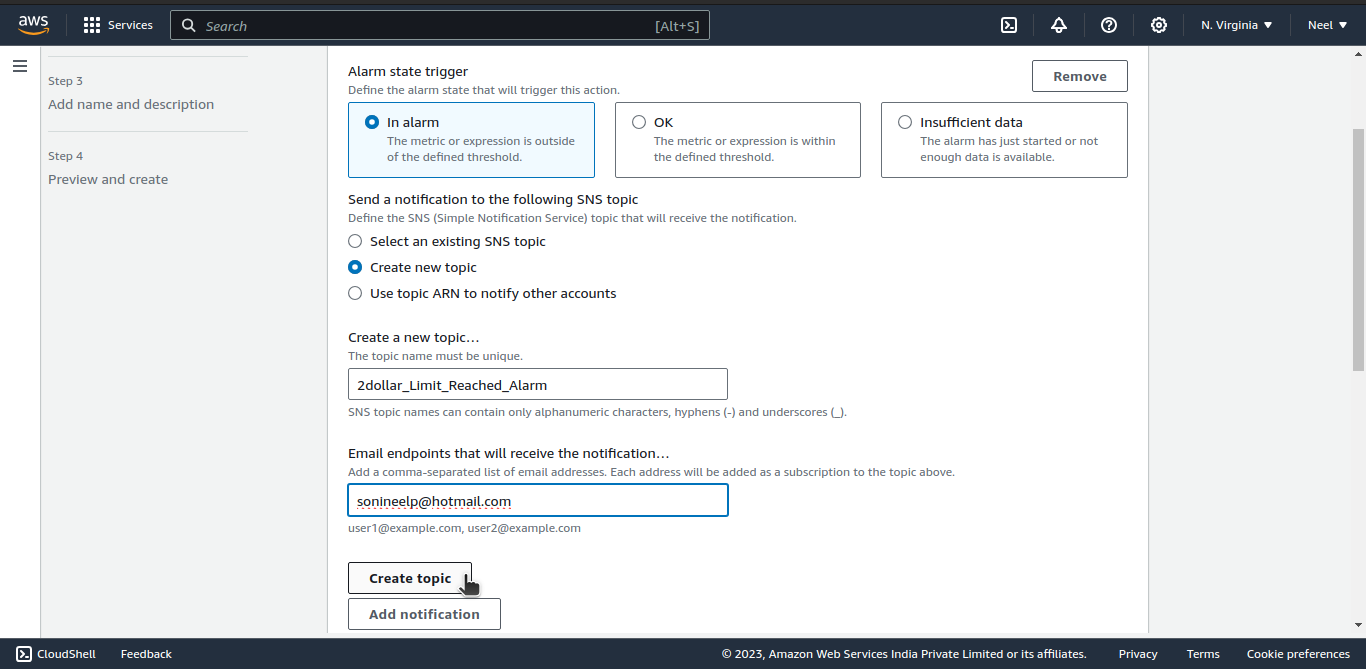
After that click on "Next".
Here, enter "Add name and description".
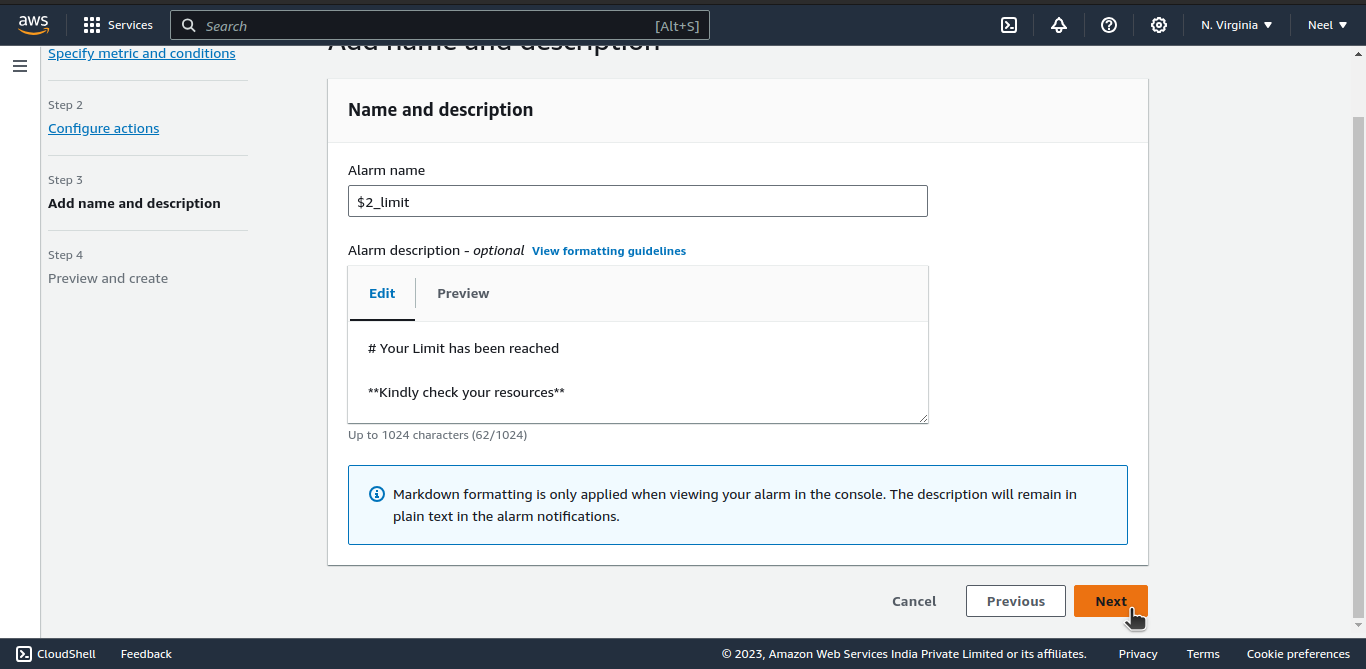
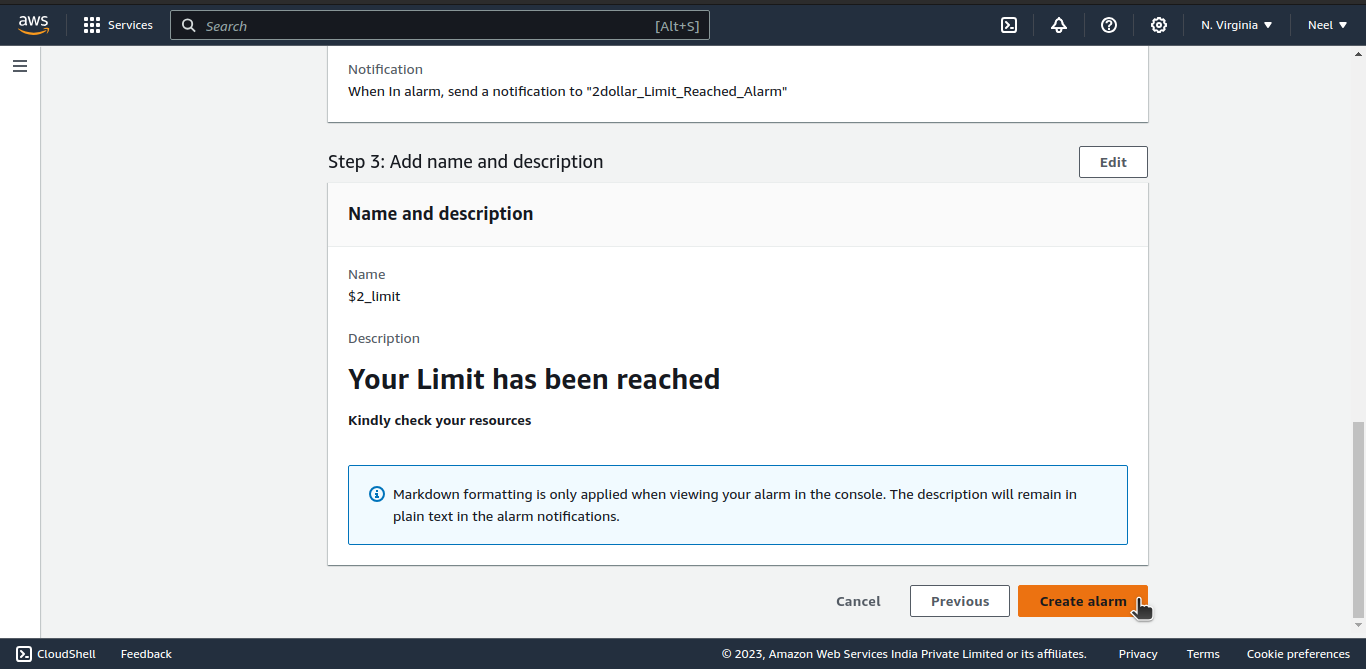
Finally, verify the details and click on "Create alarm".
If you receive an email regarding confirmation then confirm it else it won't send you emails.
Delete the billing Alarm that you created now
Simply select the billing alarm and click on actions, then click on delete.

confirm by clicking on the delete button.

Thank You.


